-
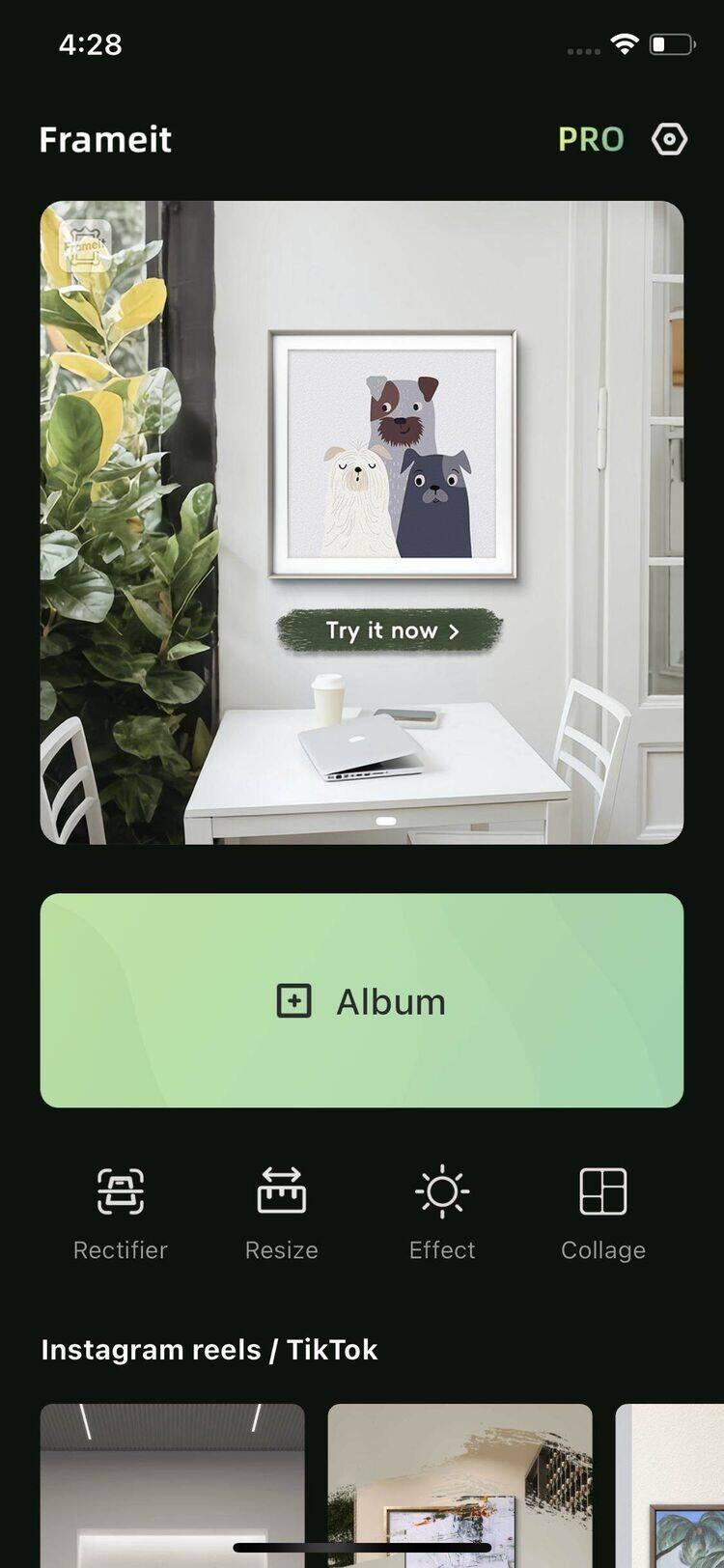
Open Frameit and tap the Album button to choose your artwork.
-
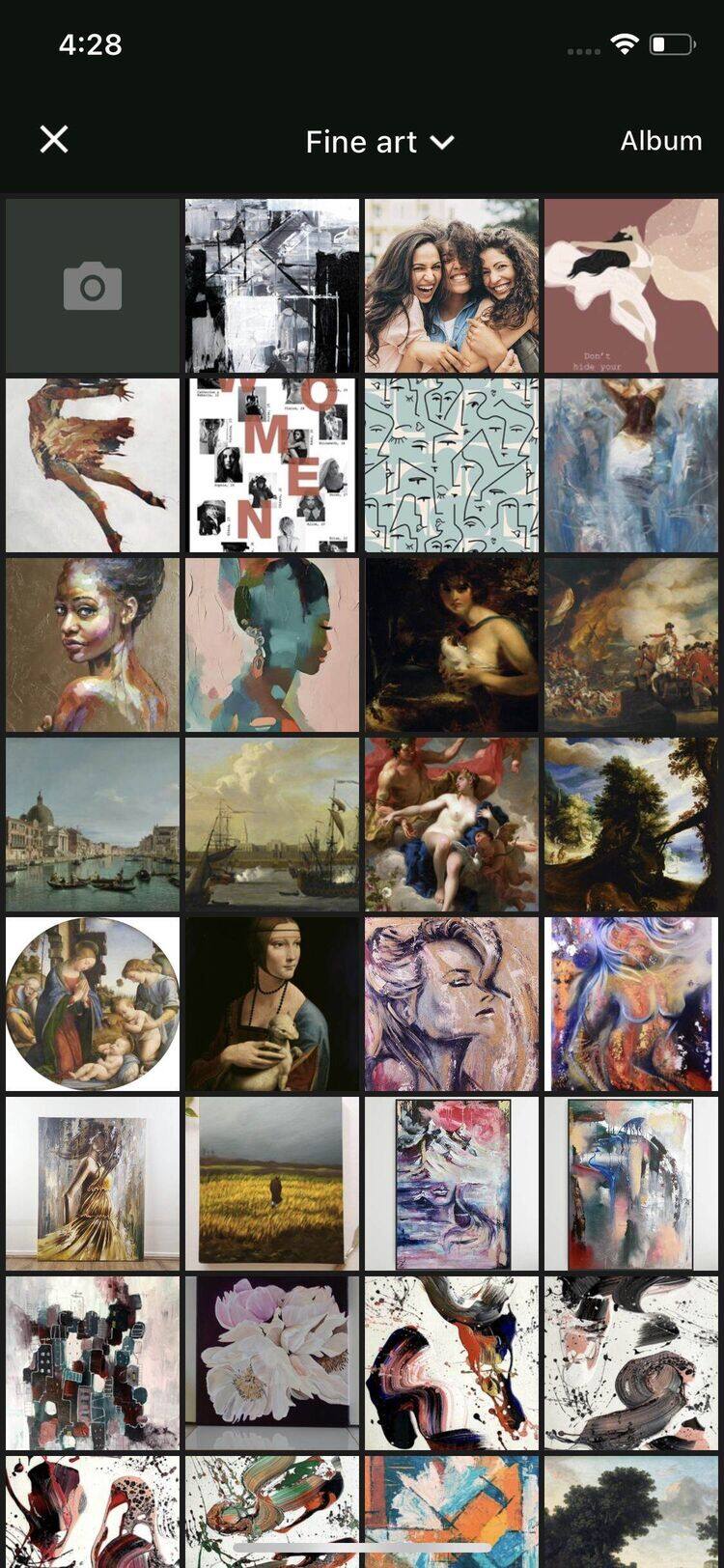
Select a photo from your album. Tap Album buttom to select from system album.
-
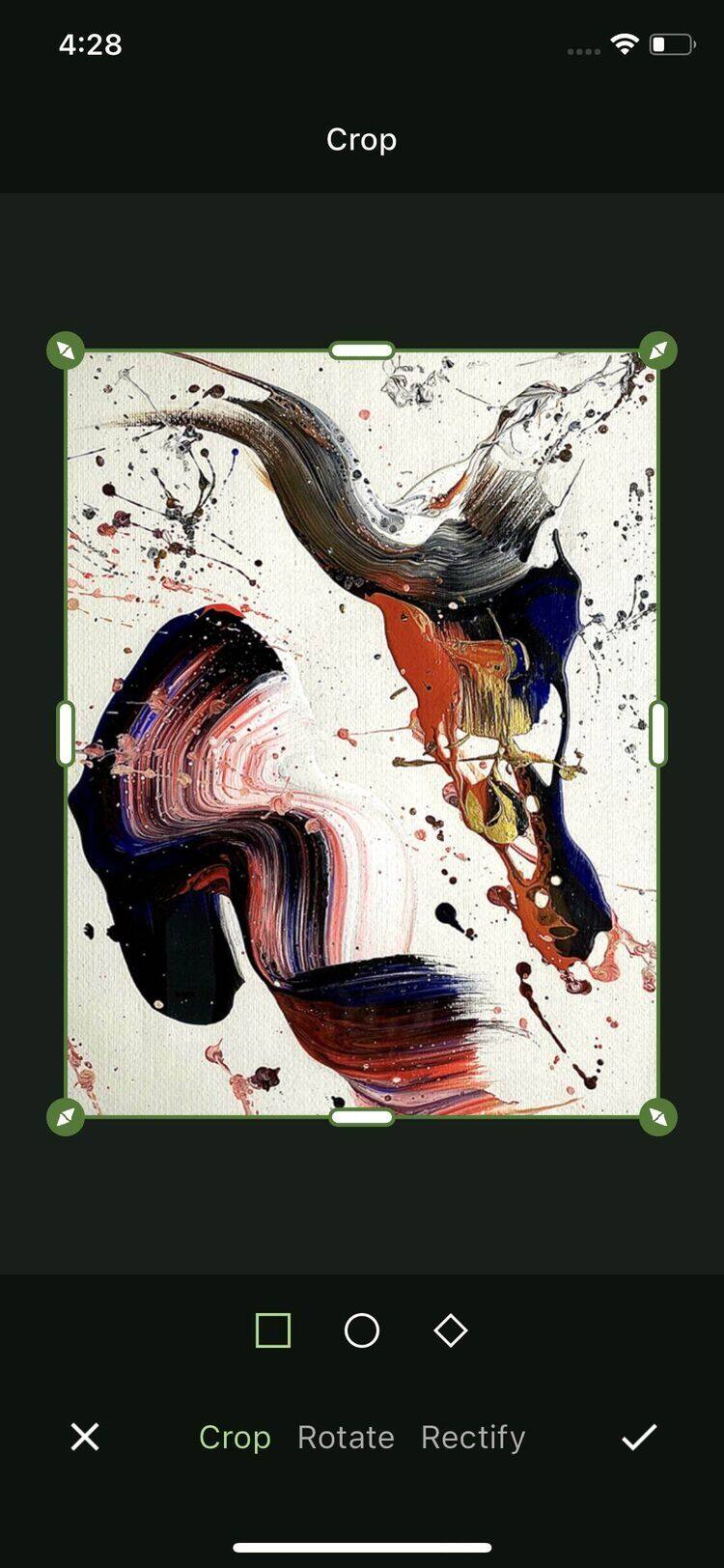
Crop or revify photo as you need
-
Choose a frame and adjust the width and style as needed.
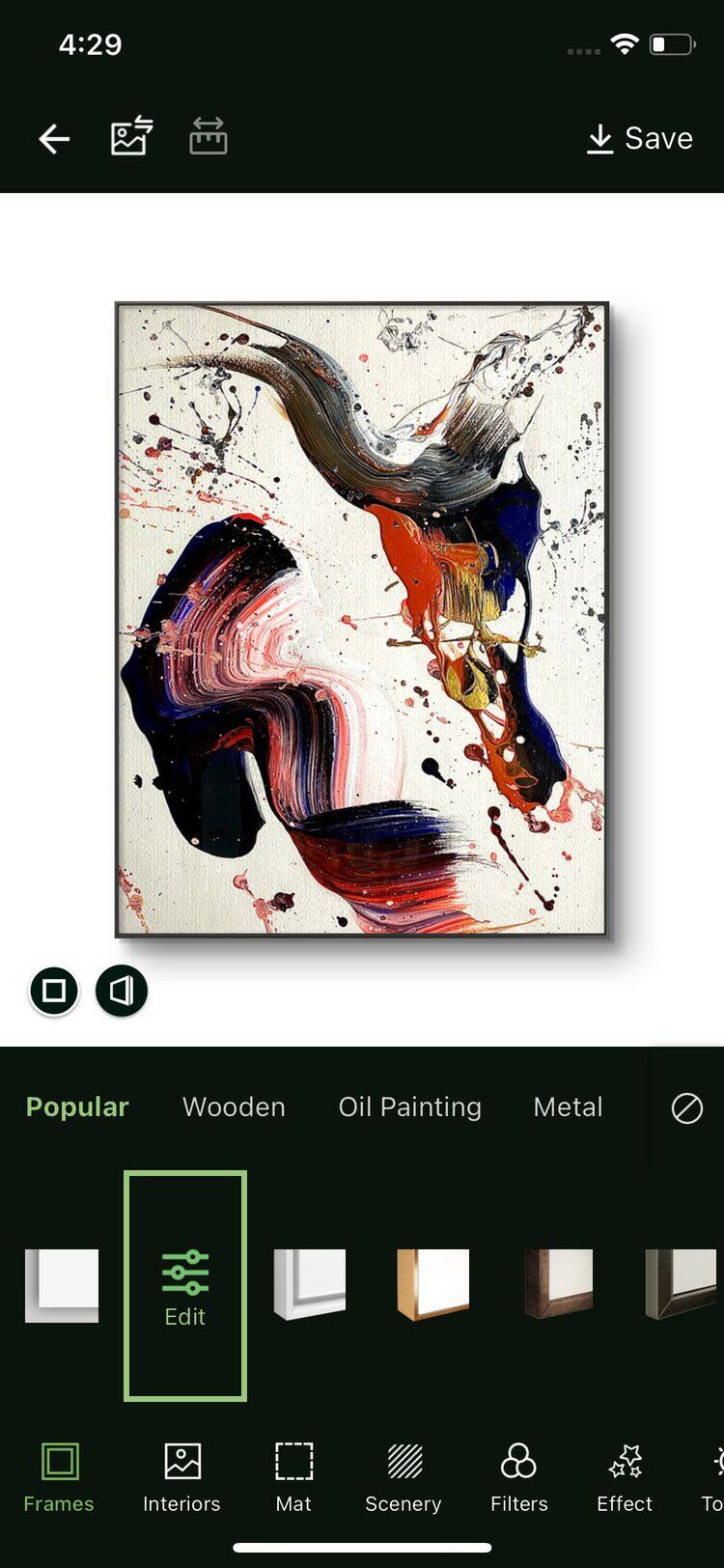
-
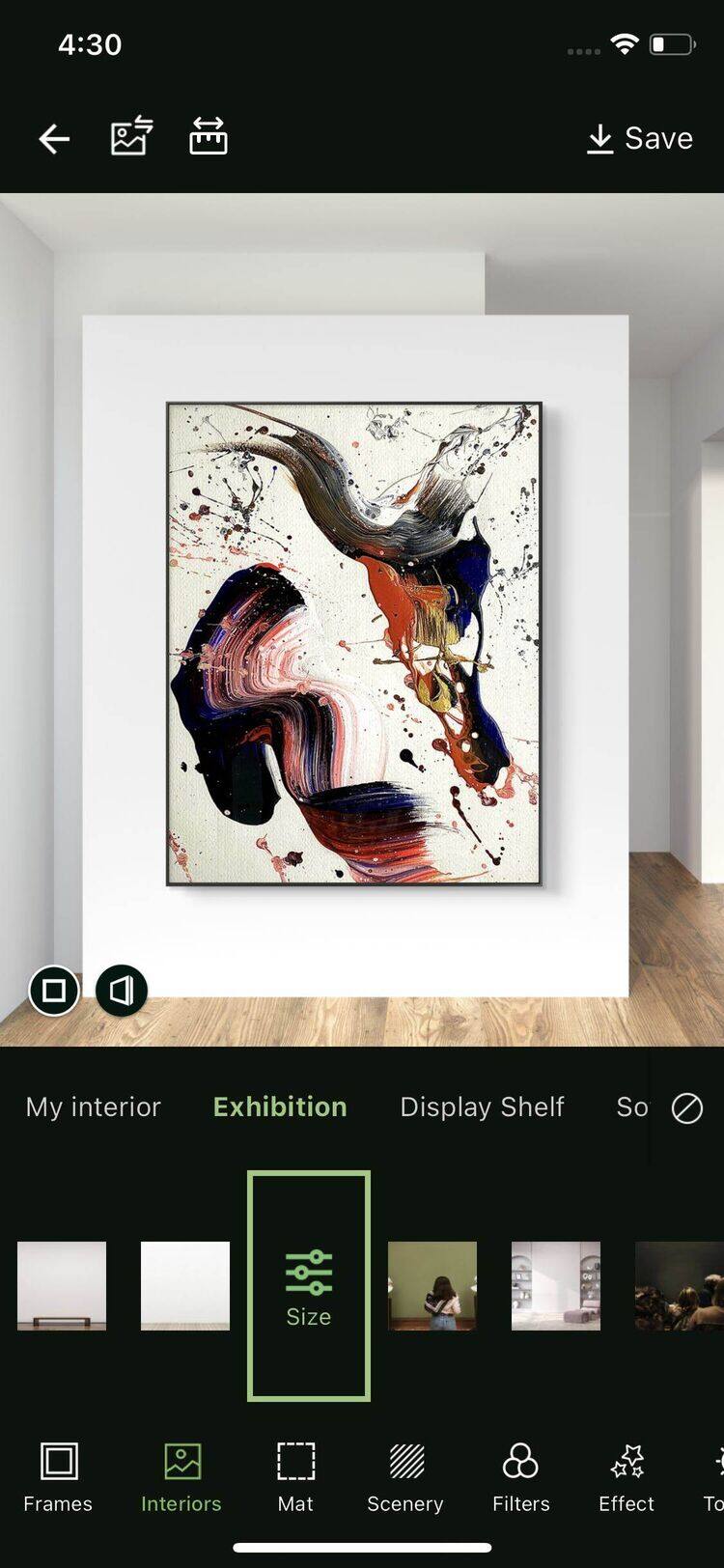
Choose a interior and adjust the size as you need
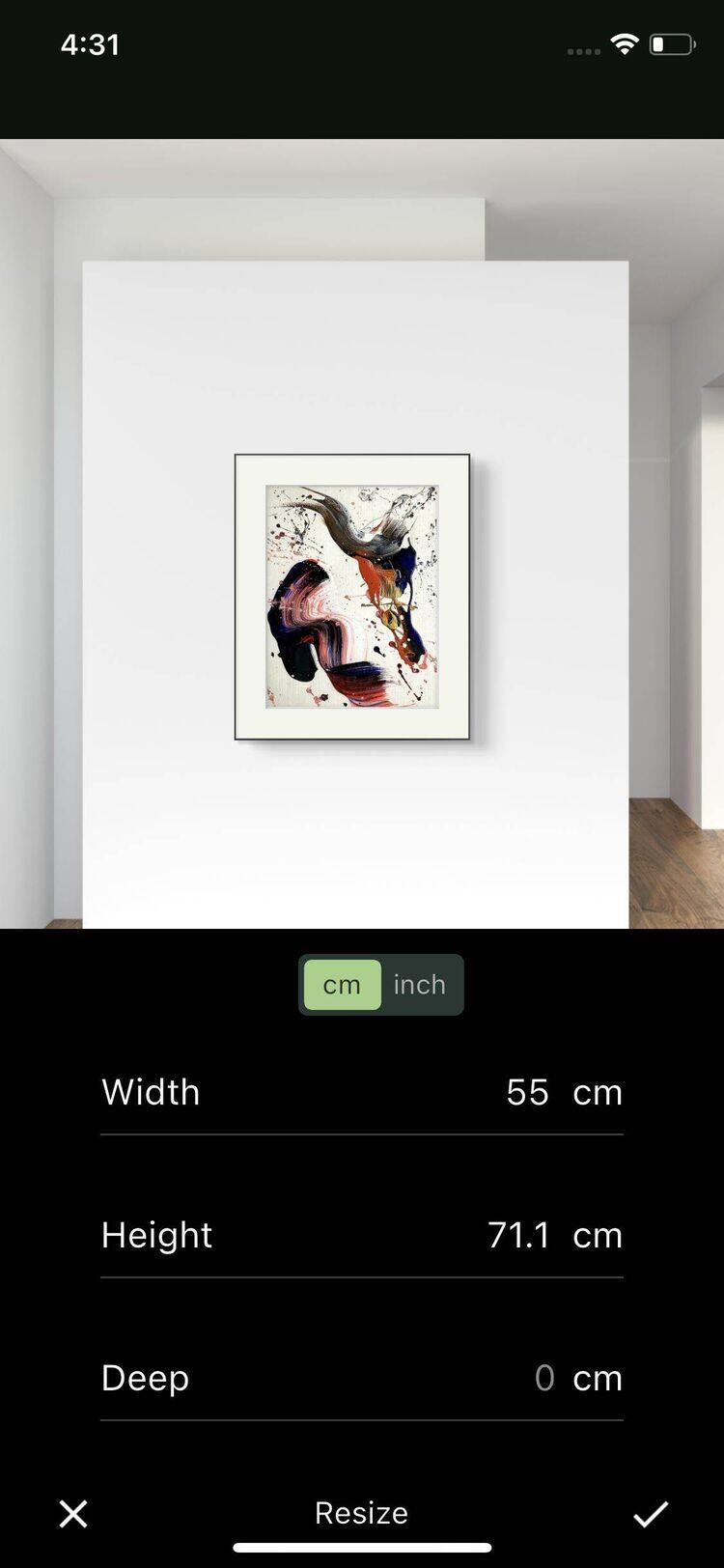
- Scale the artwork using your fingers or input precise dimensions for a realistic preview.
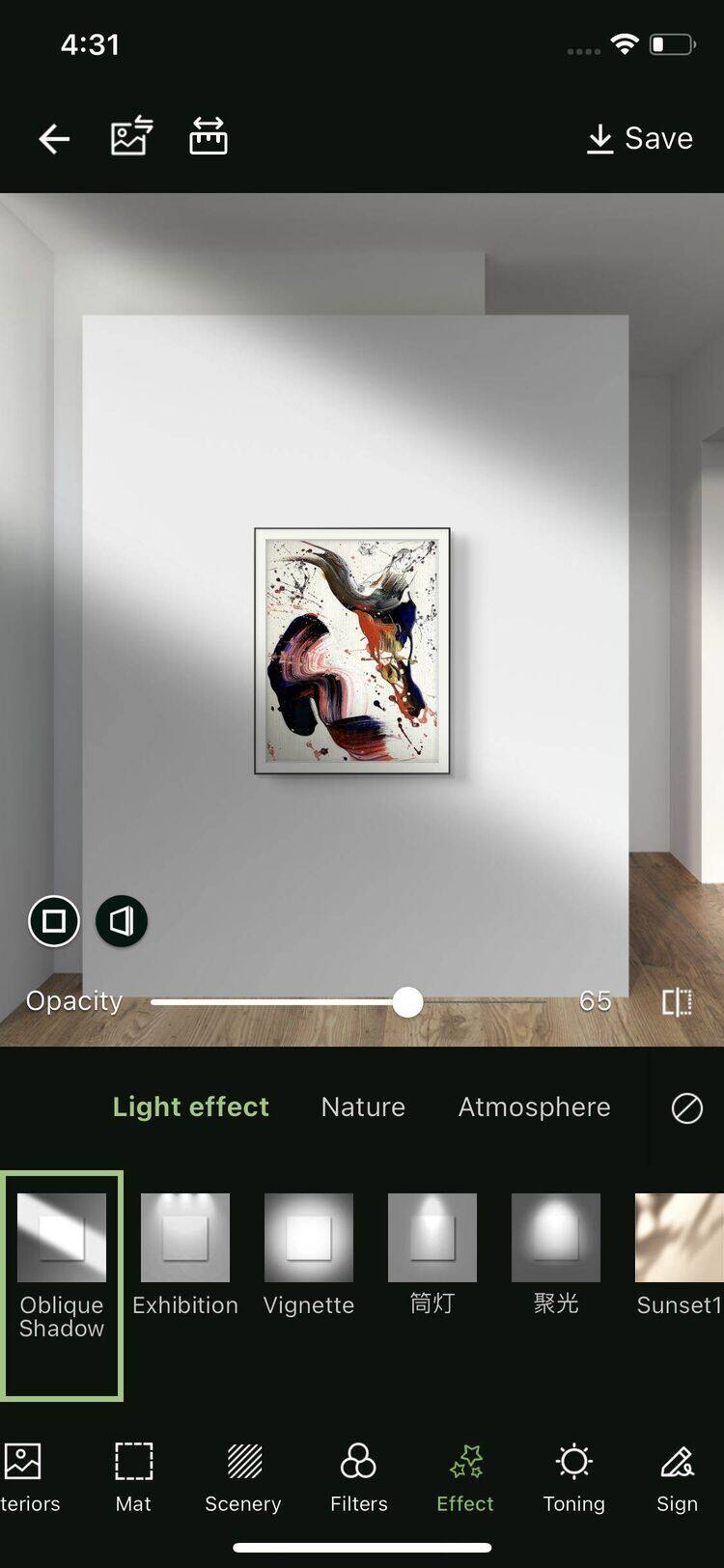
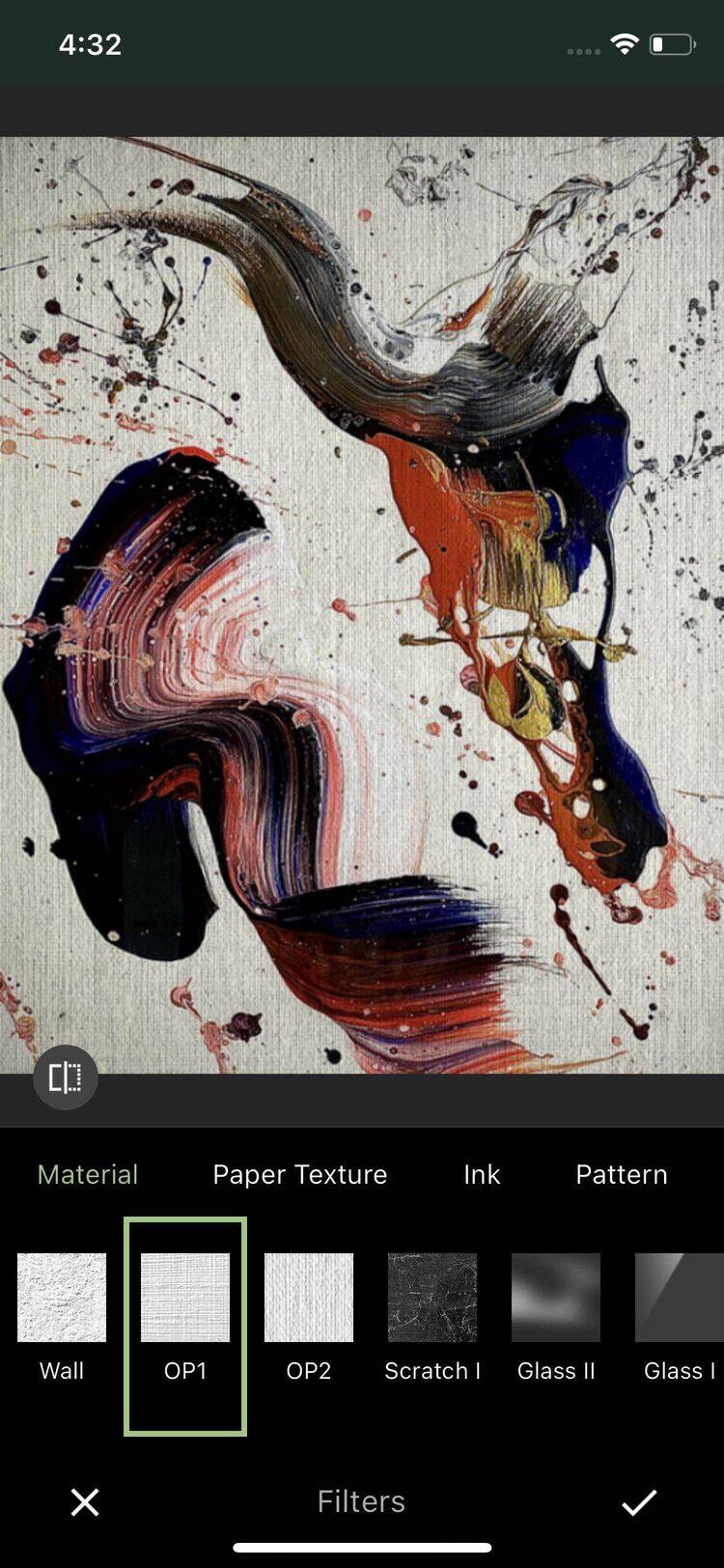
- Add light effects and filters to make your artwork stand out.
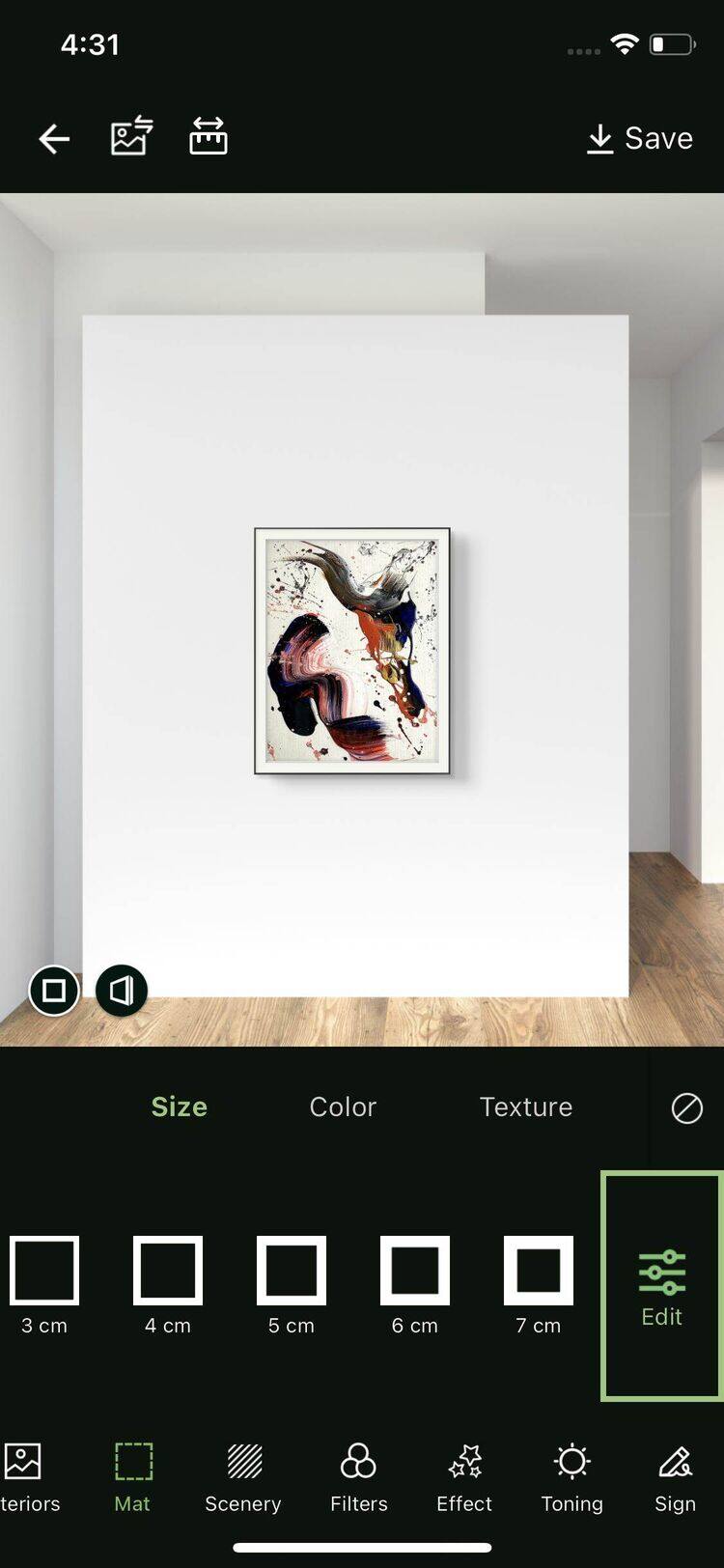
- Choose a mat and adjust the width and color as needed.
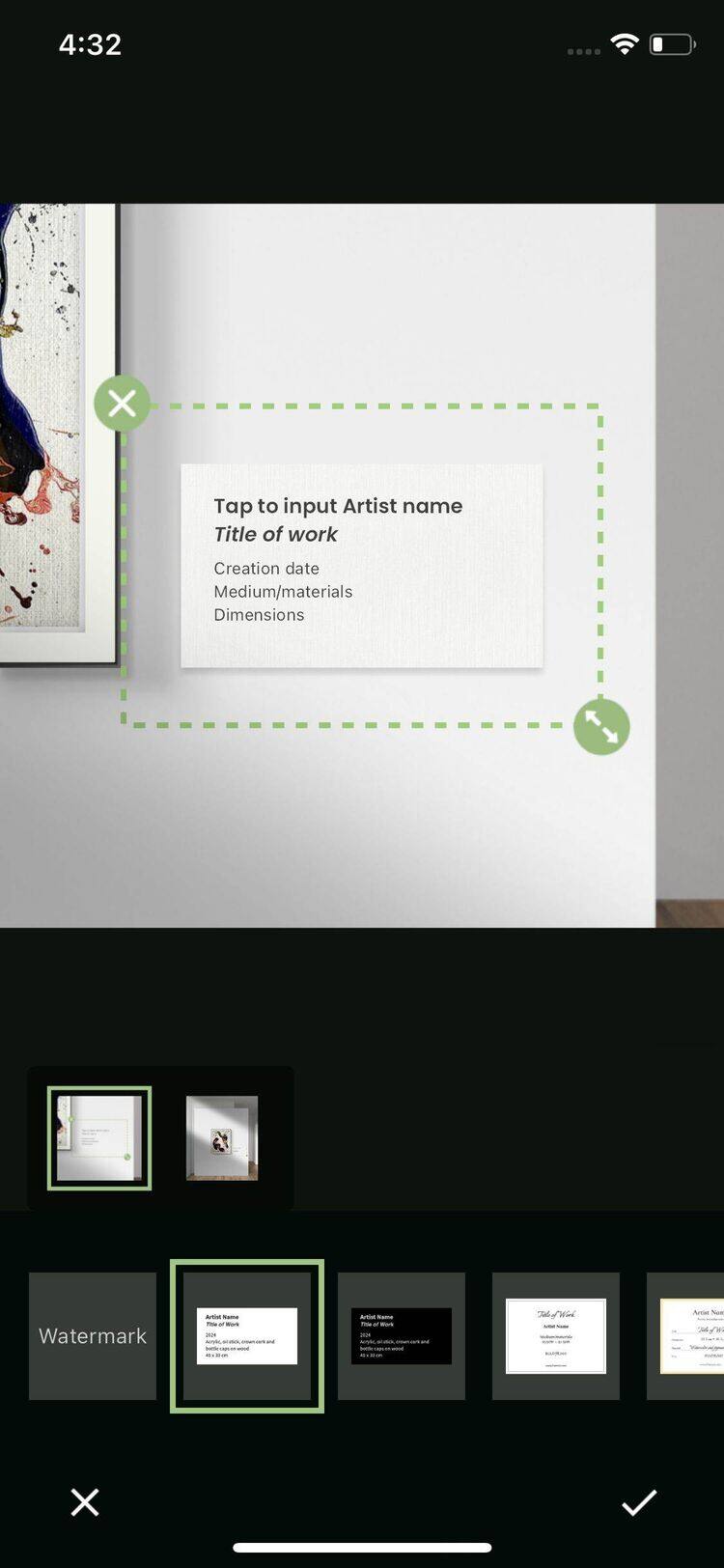
- Optionally, add a watermark or the artwork’s title for branding.
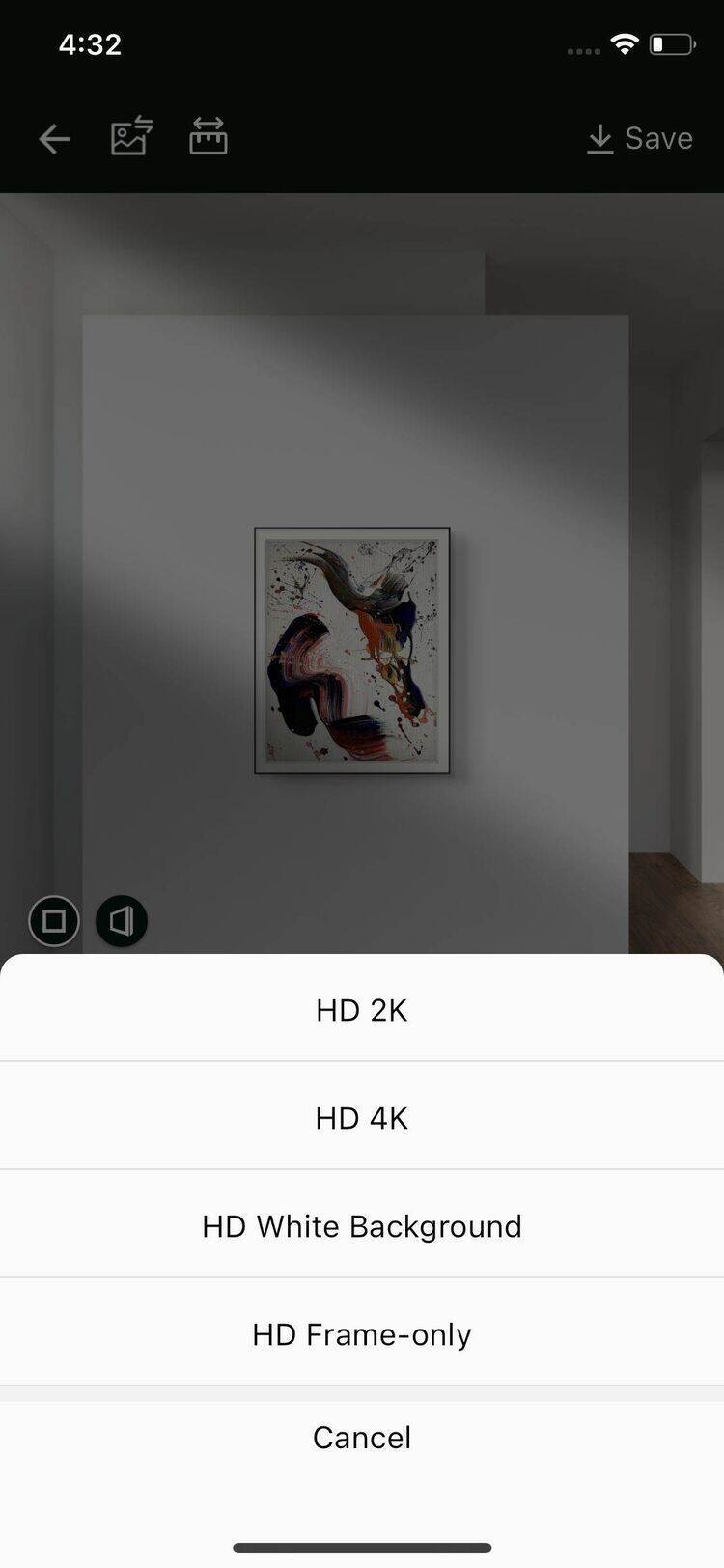
- Tap the Save button and choose the resolution to store your creation and share it with the world.