-
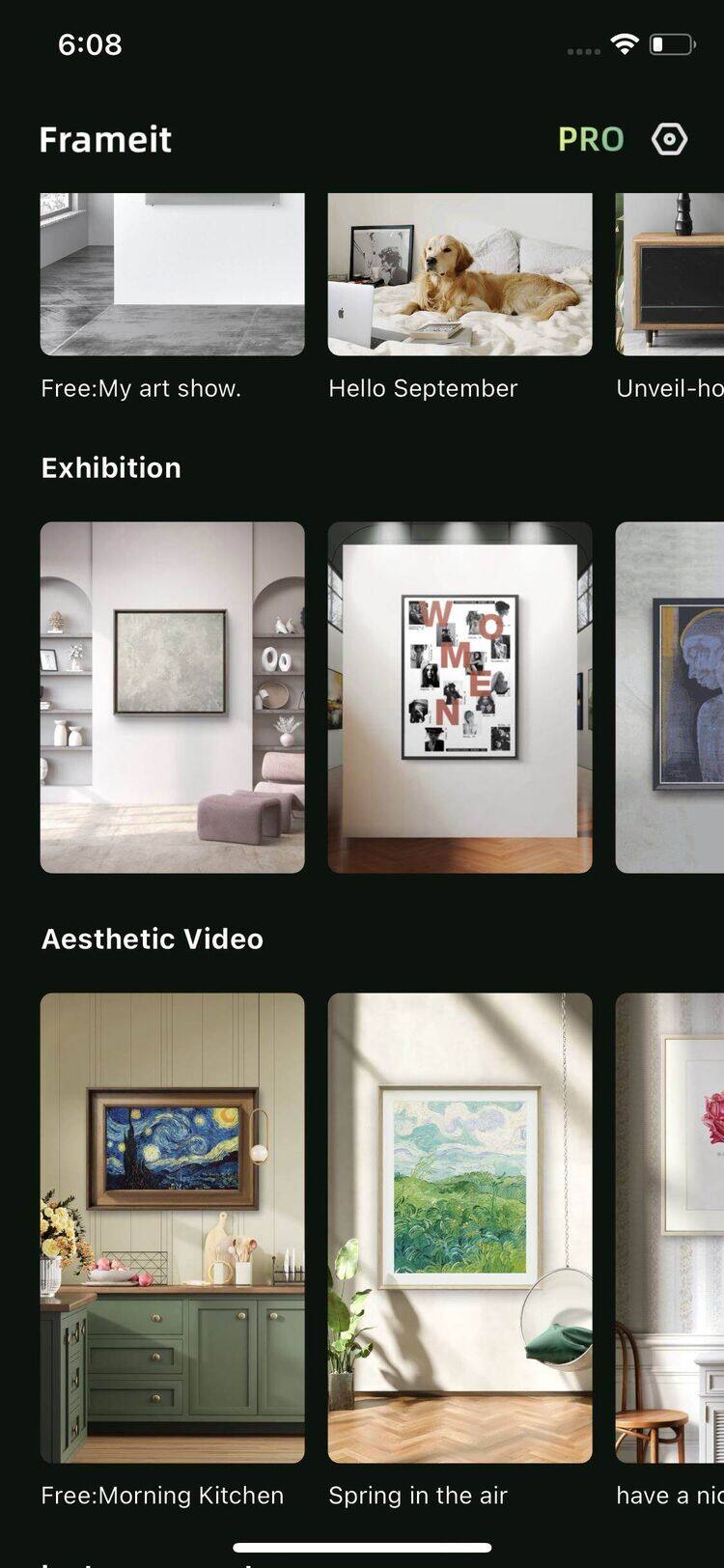
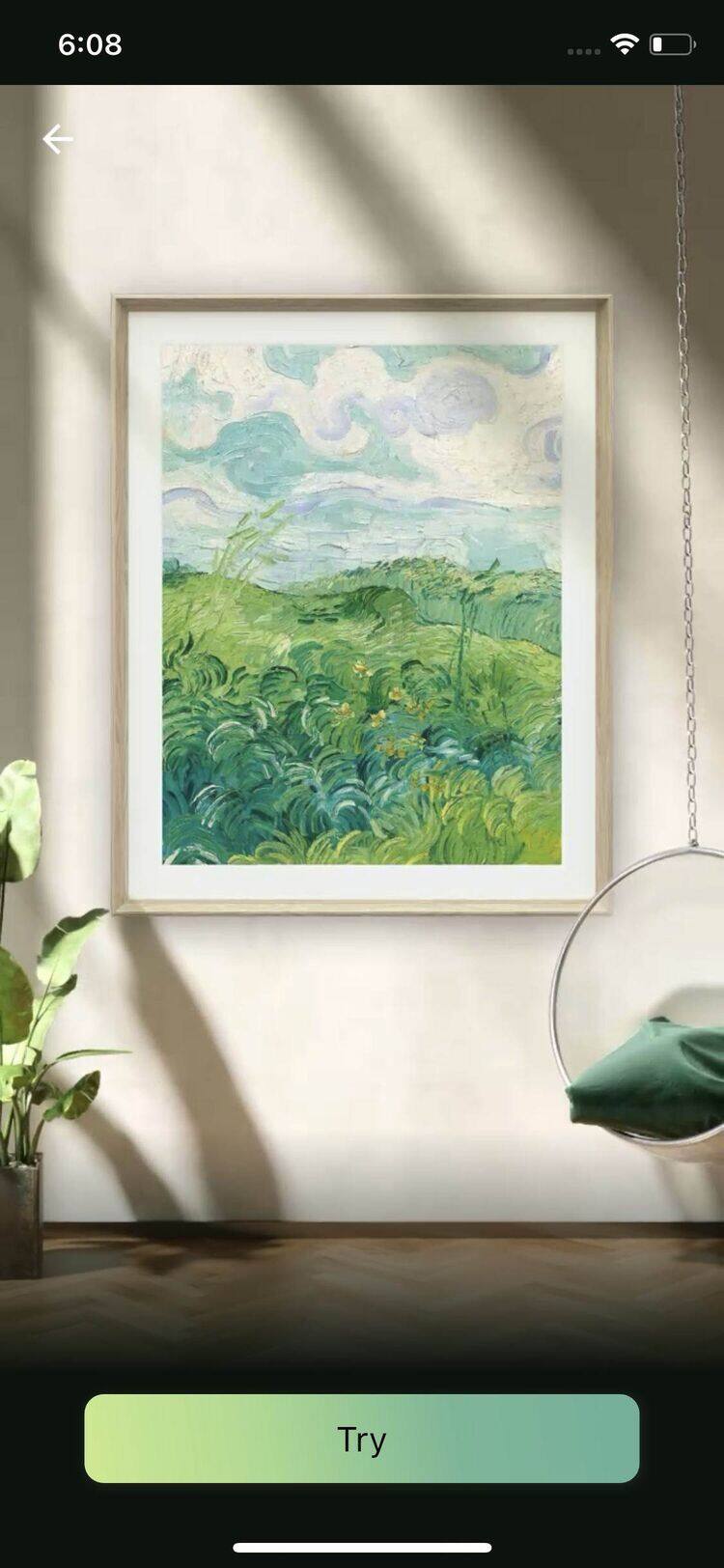
On the home page, swipe to browse more options. Then select a video template and tap ‘try’ buttom
-
Choose your artwork.
-
Crop if necessary, then tap “Next” to preview your video with the artwork.
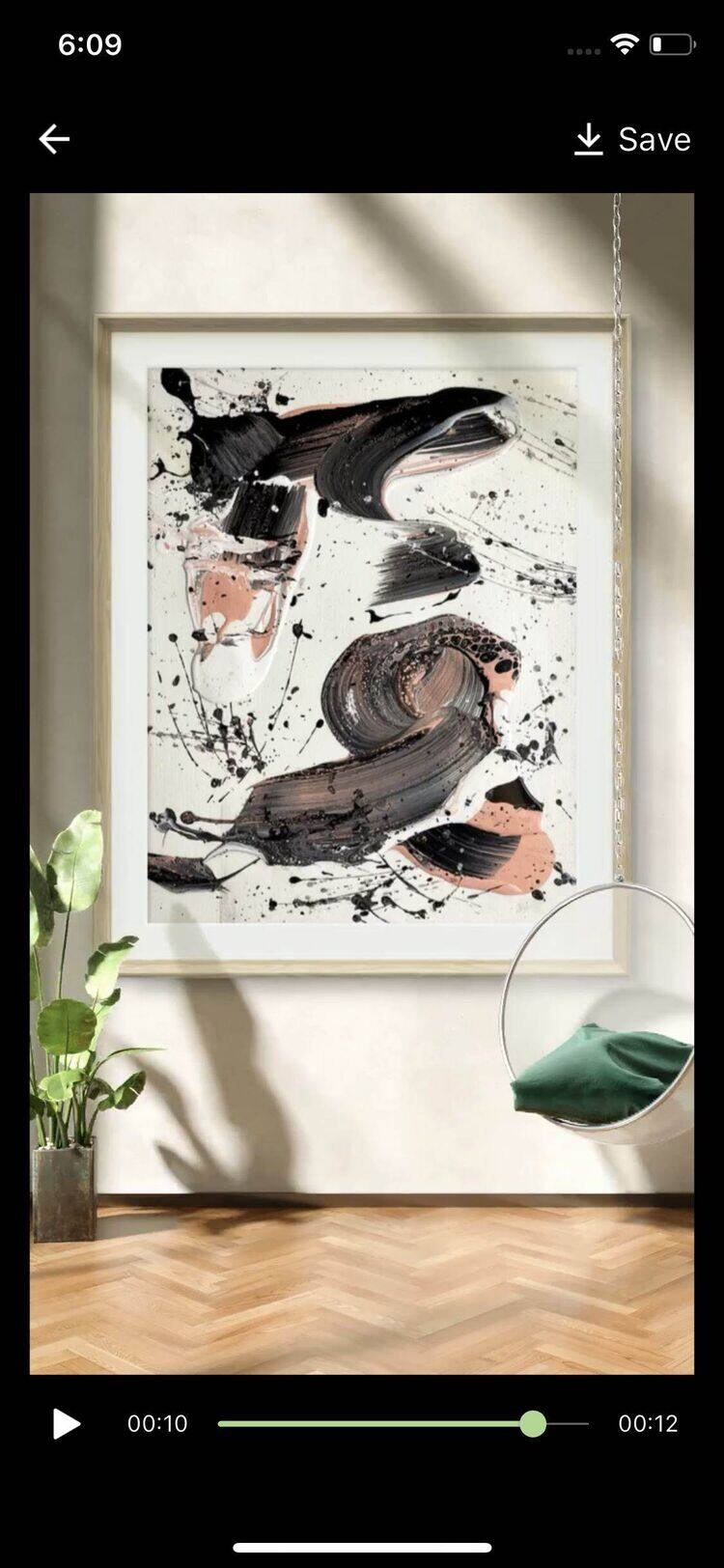
- Tap save buttom to save the videos in your Album.
On the home page, swipe to browse more options. Then select a video template and tap ‘try’ buttom
Choose your artwork.
Crop if necessary, then tap “Next” to preview your video with the artwork.