-
Open Frameit and select collage.
-
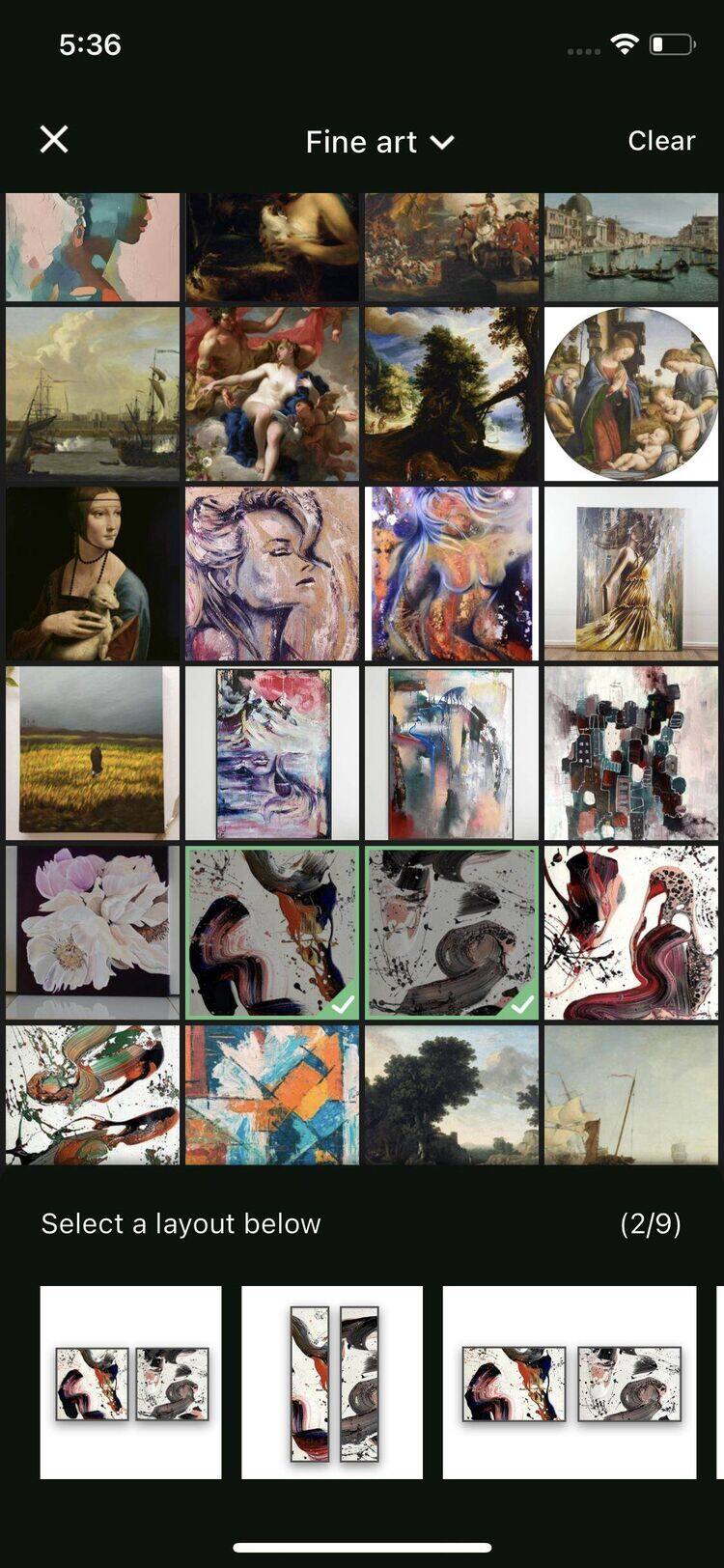
Choose the artworks you want to include in the display.
-
Pick a layout from Frameit’s designer-prepared options.
-
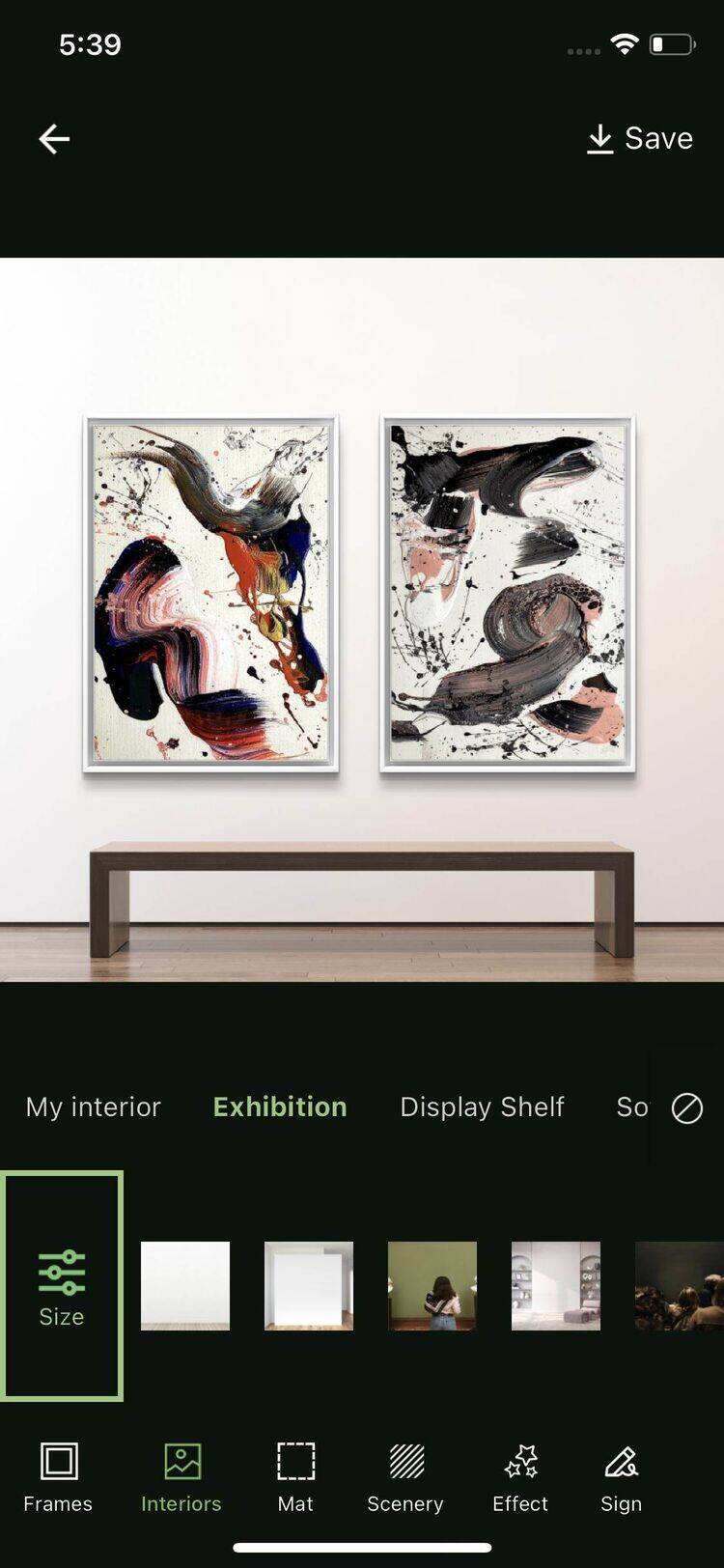
Select the frame and interior settings for your artworks.
-
Scale or move the artworks using your fingers to adjust them as needed.
-
Tap the Save button to store and share your collection.