For the orders from GooglePlay or Appstore
Have you switched to the new device? If you previously logged in on the old device, you can use your email to log in on the new device, and your Pro will sync automatically.
If you haven’t logged in yet, please follow these steps to restore your Pro:
-
Log in to your Apple/Google Play account used for your subscription on the new device.
-
Open Frameit.
-
Tap the Settings icon in the top right corner.
-
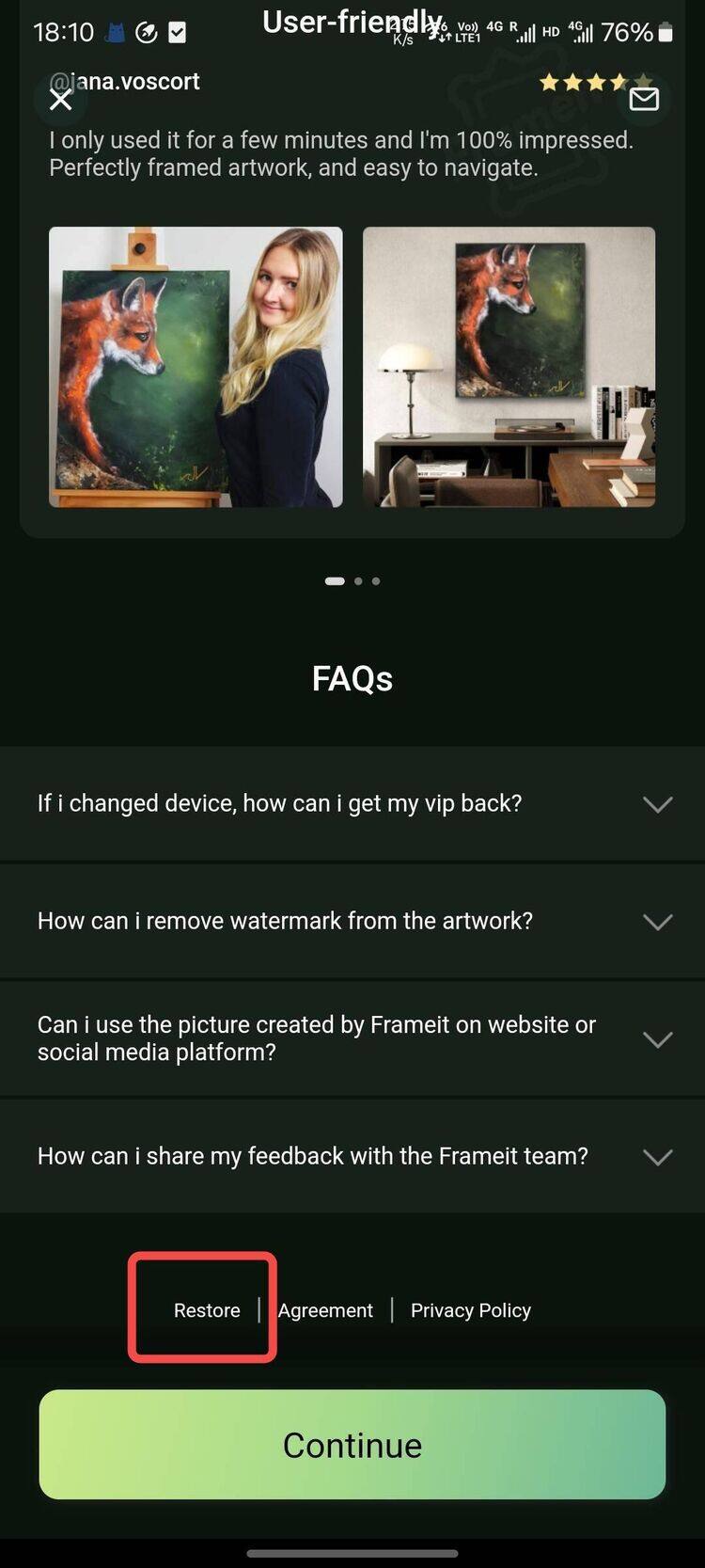
Tap the Frameit Pro banner and scroll to the bottom of the page.
-
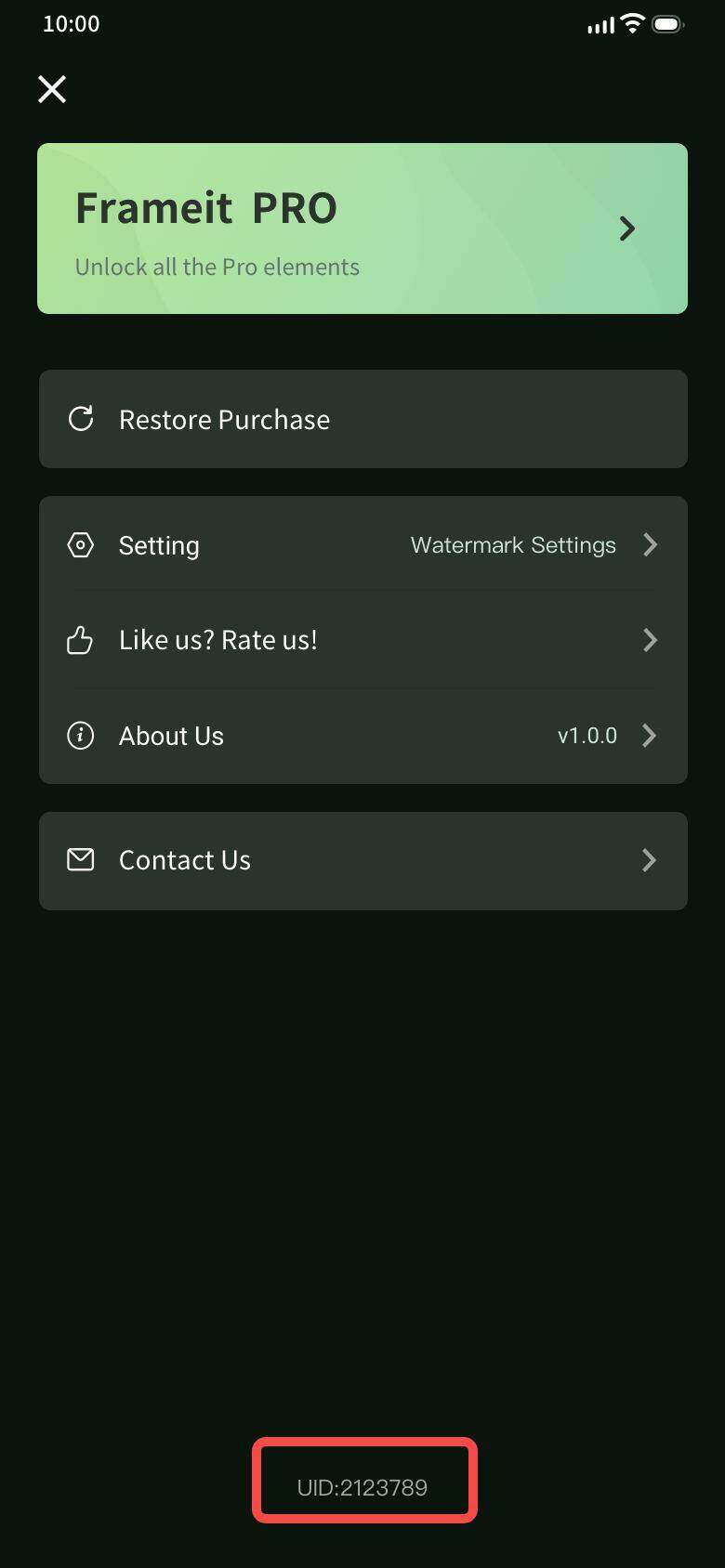
Tap the “Restore Purchase” button.
If that doesn’t work, please email us at frameit.service888@gmail.com with following details:
- Your Order ID from Google Play or App Store or a screenshot of the order (found in your email)
- Your UID (see image below to find it)
For the orders from Website
Please email us at frameit.service888@gmail.com with following details:
- The email account you used for the purchase or a screenshot of your order confirmation
- your UID (see image below).