The buyer of a digital print may know exactly which frame they want to use and very little about aspect ratios. A folder labeled 2:3, 3:4 and 4:5 leaves them with another decision to make.
A useful download connects the file to something familiar: “For your 8 × 10 frame, use this version.” Clear names, a short size guide and an accurate preview make the artwork much easier to enjoy after purchase.
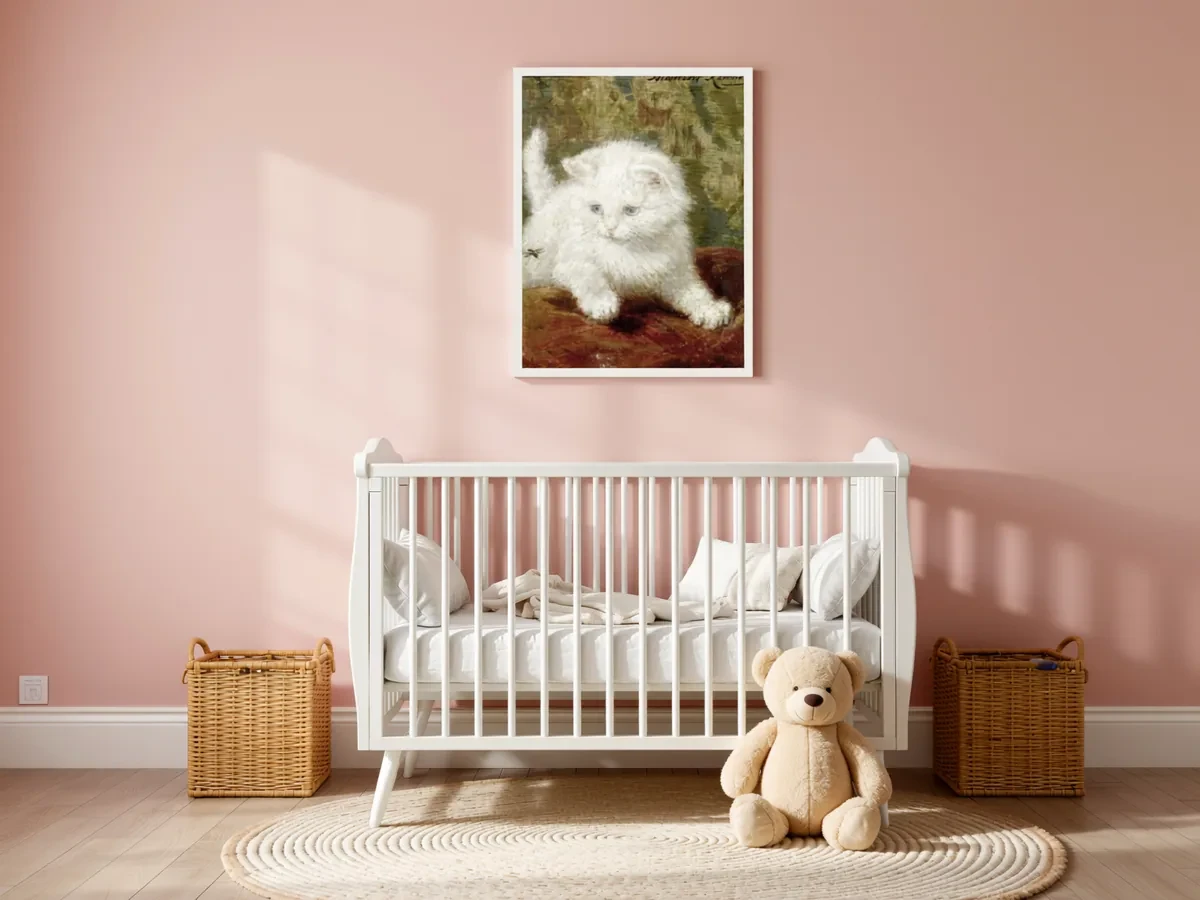 Frameit AI Create
Original artwork: Henriëtte Ronner-Knip
What Etsy allows for printable wall art
Etsy puts digital downloads in its “designed by a seller” category, and the rules are short:
- The design must be yours. A scan, PDF or bundle of someone else’s work doesn’t qualify. Keep other people’s characters, logos and photos out of your designs.
- Disclose AI. If the artwork was generated with AI tools from your prompts, say so in the listing description.
- One listing, one set of files. Variations aren’t available for digital listings, so you can’t let buyers choose a size from a dropdown. Instead, include every size in the files you upload.
- Instant or made to order. Instant downloads are ready when the buyer pays. Made-to-order files (a custom portrait, for example) are uploaded when you complete the order.
- File names are what buyers see. They’re limited to 70 characters and can’t be edited after upload, so name them clearly before you upload.
Choose the sizes this artwork can support
Suppose the master is a 3600 × 5400 px portrait botanical drawing, with a 2:3 ratio. At 300 PPI it supports a 12 × 18 inch print, plus smaller 8 × 12 and 4 × 6 prints. If leaves sit near the top edge, cropping to 8 × 10 may cut off their tips.
You can offer only the 2:3 version. To accommodate an 8 × 10 frame, you could also prepare a version that keeps the full drawing and adds white side borders. Explain that choice in the listing so buyers see it before paying.
Here is an illustrative download package:
| File name | File specification | What the buyer uses it for |
|---|---|---|
fern_4x6_8x12_12x18.jpg |
3600 × 5400 px | Print at 4×6, 8×12 or 12×18 inches without cropping |
fern_8x10_with_border.jpg |
2400 × 3000 px, with the white borders already in the file | Print the full sheet at 8×10 inches, keeping the side borders |
fern_printing_guide.pdf |
One-page guide | File-to-size chart, previews and printing notes |
In the second file, the image is about 2000 × 3000 px, with about 200 px of white space on either side. The drawing has not been stretched wider; it has been placed on a differently shaped sheet. The print-size chart covers other ratios and pixel calculations.
Export in a format your printer accepts; a high-quality sRGB JPEG is a common starting point. Open every file to check its edges, color and dimensions. Etsy currently allows up to five files of 20 MB each for an instant download; this example uses three slots. See Etsy’s digital listing guidance.
Make the download clear before the purchase
The words “digital download” deserve a place near the beginning of the title and description. A framed room image can look like a physical product at a glance, especially on a phone.
A short opening can be enough: “Printable fern artwork. Digital files only; no physical print or frame is shipped.” The rest of the description can explain the included sizes, printing advice and permitted use, using the details of your actual offer.
Etsy’s digital listing holds up to five files, each up to 20 MB. Clear file names and a simple size guide matter more than filling every slot. A buyer note can carry the printing instructions they will want after payment.
Answer the last printing question in the guide
For this package, the guide can say: “For an 8 × 10 inch print, use fern_8x10_with_border.jpg. The side borders are already included. Print the whole image and turn off automatic cropping or borderless enlargement.”
Place a complete preview of that file beside the note. The paper edge, file name and listing now agree. List the supported sizes for the other file too, and state that this example stops at 12 × 18 inches. Larger sizes should not slip into the title by habit.
Make an actual print from the package and check whether the print service crops the border automatically. The guide only needs to explain the files you deliver; it does not need to become a manual for every printer.
Price with fees in mind
A digital download has no printing or shipping cost, but Etsy’s fixed fees take a bigger share of a low price. Example arithmetic for a US seller (6.5% transaction fee, 3% + $0.25 processing, $0.20 listing fee):
| Price | Fees | You keep | Fees as share of price |
|---|---|---|---|
| $4 | $0.83 | $3.17 | 21% |
| $8 | $1.21 | $6.79 | 15% |
| $16 (set of 3) | $1.97 | $14.03 | 12% |
A set can increase the order value, but its extra files, previews and customer support still take work. The table illustrates only the listed base fees; it excludes the effect of sales tax on processing fees, advertising and other applicable charges, as well as your creative and support time. Check Etsy’s current fee policy before pricing.
Let the mockup match the download
In Frameit, use the exact crop of the file you are showing. If the 2:3 and 4:5 versions have different edges, make separate previews or show those differences in a clear comparison.
Choose one room that suits the artwork and one close framed view. For a set, use Gallery Wall to show only the pieces included in that purchase.
A room image suggests how the files could look once printed and framed. Pair it with a clear file list; it cannot demonstrate the surface of paper that the buyer has not chosen yet.
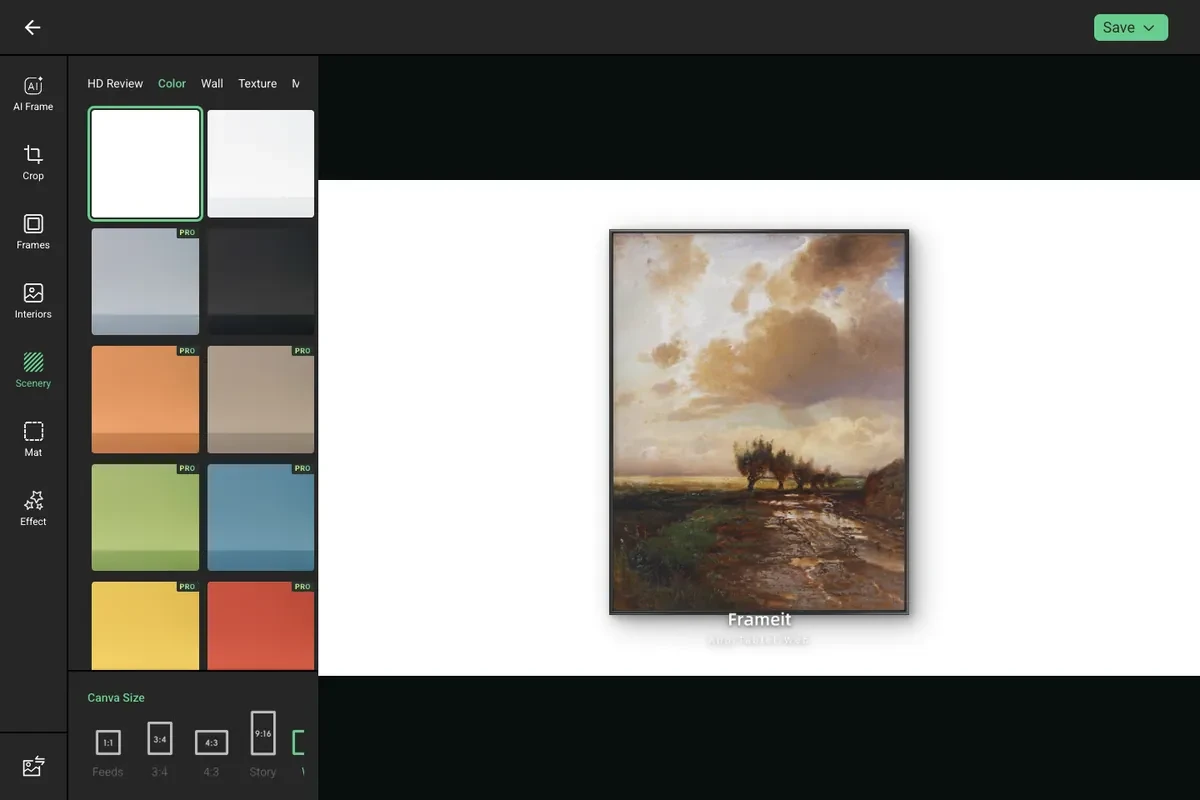 Frameit Editor