A beautiful room photo can make a disappointing Etsy thumbnail. At full size, you can see the painting, the frame and every cushion. In search results, the painting may be little more than a colored rectangle.
Etsy’s recommended image size is at least 2000 pixels on both sides. That gives you a useful file to work with; the crop decides how much of your artwork a shopper actually sees. Both matter.
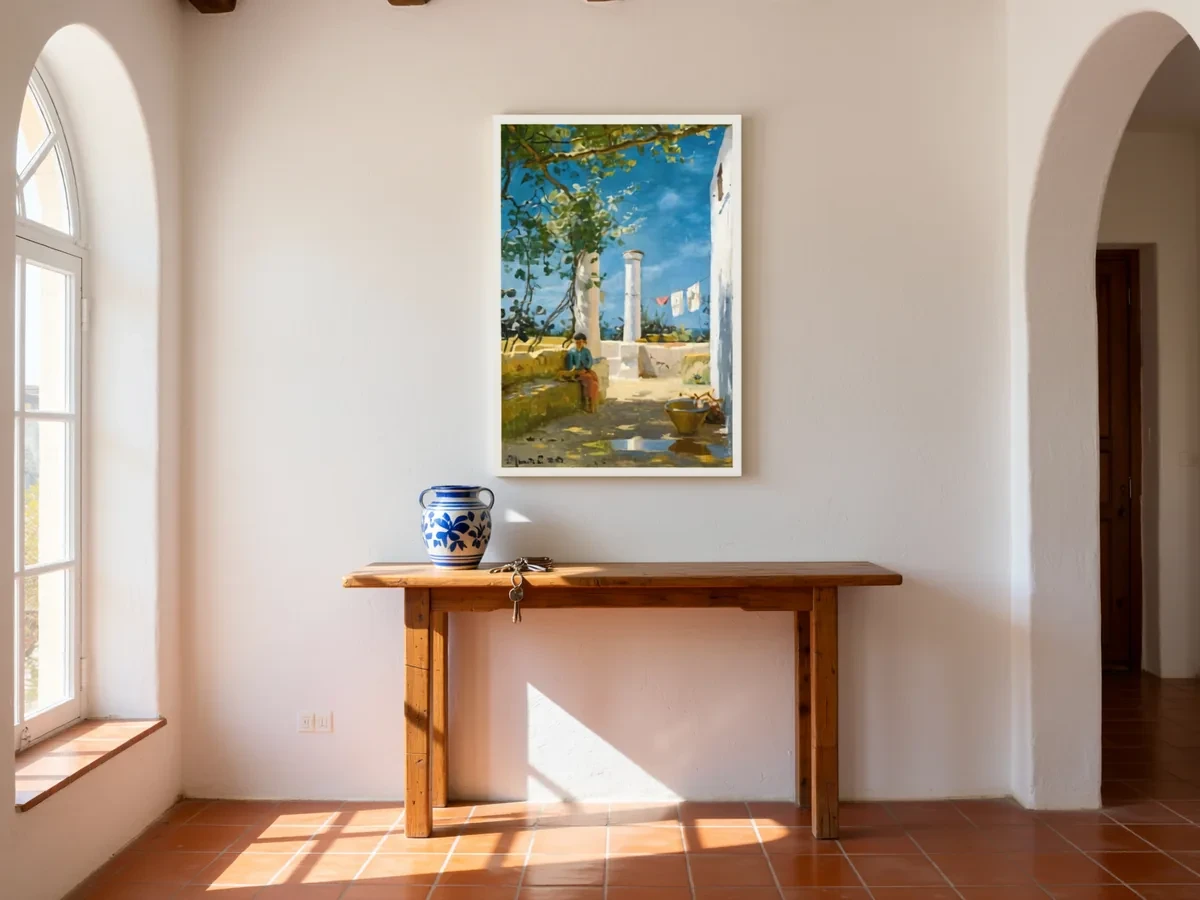 Frameit AI Create
Original artwork: Peder Mørk Mønsted
Start with a file you can work with
A 2667 × 2000 px landscape image or a 2000 × 2000 px square gives you a practical starting point. Both meet Etsy’s recommendation of at least 2000 pixels in each dimension; the remaining choice is composition.
For photographs, use an sRGB JPG. Enlarging a small screenshot or changing its DPI field does not add detail. Check the actual pixel width and height.
Etsy does not support animated GIFs, and transparent areas display as black. If uploading is slow or fails, check the file size: Etsy notes that files over 1 MB may fail to upload on a slow connection. See the image requirements for the full guidance.
Square or landscape: choosing the shape
Etsy asks for a landscape or square first photo so the center of the image survives the cropped thumbnail views. The first photo also sets the shape of the photos that follow, so keep the whole set the same shape.
Thumbnails across Etsy are cropped to square, portrait and landscape views, and Etsy’s thumbnail tips lean toward landscape images with extra space around the subject. For art, a 4:3 landscape image is a safe default. It fills the landscape views, and its center square still holds the artwork when it’s cropped.
Sizes that meet the 2000 px recommendation on the short side:
| Shape | Ratio | Pixel size |
|---|---|---|
| Square | 1:1 | 2000 × 2000 px |
| Landscape | 4:3 | 2667 × 2000 px |
| Landscape | 3:2 | 3000 × 2000 px |
| Landscape | 5:4 | 2500 × 2000 px |
| Portrait (later photos only) | 4:5 | 2000 × 2500 px |
When you create or edit a listing, Etsy’s thumbnail adjustment tool previews each crop. Check it before you publish.
Give the artwork enough room in the thumbnail
A portrait painting can sit comfortably inside a landscape room image. The difficulty is keeping enough room around the frame for different crops without shrinking the painting until it is hard to recognize.
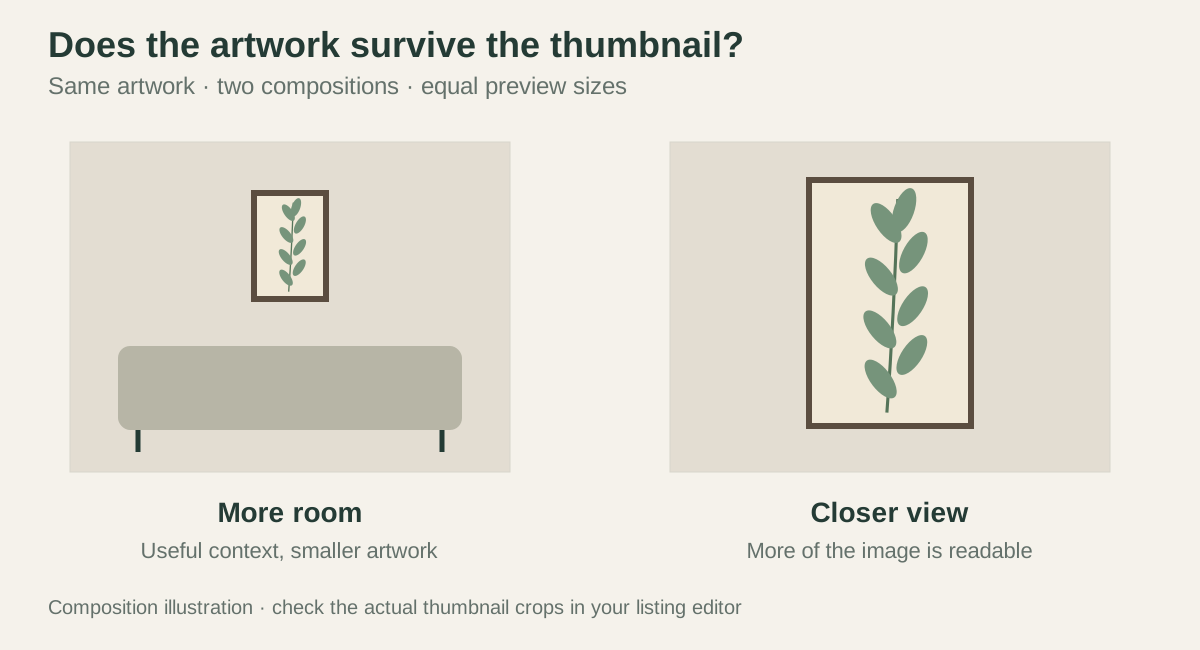 Composition illustration
In a 2667 × 2000 px image, a centered square crop removes about 333 pixels from each side. A frame near either edge may disappear into that crop. Bringing the artwork toward the center helps, but the final test is the listing preview: can you still recognize the image at search-card size?
For originals, use actual product photography. Other product types have their own image rules. If a room preview suits your item, Frameit AI Studio gives you ways to try different settings.
The listing image and the file someone prints are separate things. A digital download needs enough detail for its promised print size, even if its shop preview is much smaller. The print-size chart helps with that calculation.
File size, format and color
- Export JPG for photos. It keeps room scenes and photos small. PNG suits flat graphics, and Etsy shows any transparent areas as black.
- Aim for about 1 MB. Etsy says bigger files may not finish uploading on slower connections. Etsy also compresses images after upload and sizes them for mobile screens, so a very large file gains little.
- Use sRGB. Etsy converts images to sRGB. Converting before you upload keeps the colors on Etsy close to your file.
- Don’t upscale. Etsy notes that enlarging an image can cause pixelation, while shrinking it doesn’t lower quality. Export from the original instead of stretching a small file.
- Count pixels, not DPI. Screens show pixel dimensions. The DPI or PPI value stored in a file doesn’t change how a listing photo looks.
The next photo should tell you something new
After a clear first image, the rest of the gallery can slow down a little. A detail shows the paper or brushwork. A view of the edge explains the canvas depth. A simple size image answers whether it will fit the buyer’s frame.
A room image has a different use: it suggests how the piece might live in a space. If the frame is only part of the styling, that should be easy to notice. The price and photographs need to describe the same purchase.
There is little reason to use every photo slot for nearly identical interiors. A smaller set that shows the whole work, its material, its dimensions and what arrives gives the buyer more to go on.
Make a thumbnail candidate in Frameit
Use a simple room or plain background in Frameit and keep the complete artwork near the center. Download a version with generous surroundings and a closer version. Compare them at the size of an Etsy search card.
Choose the version where the artwork remains identifiable through Etsy’s square, portrait and landscape thumbnail previews. Add room context in a later image if the wider view makes the art too small.
Frameit gives you the composition; check the downloaded file’s pixel dimensions before uploading. Export options can depend on the selected plan. Use Etsy’s current image guidance for the final file checks.
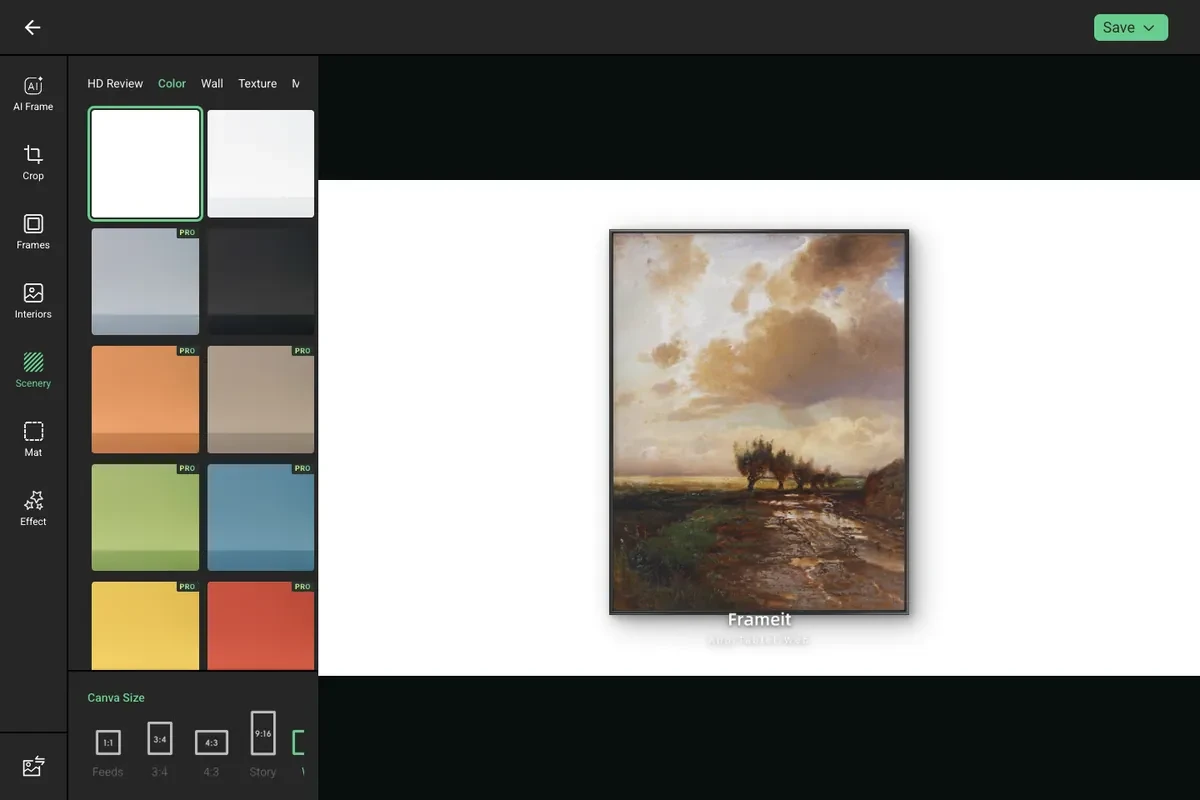 Frameit Editor