A picture fills the screen when you shop for it, which makes size hard to judge. The 30 × 40 cm print and the 50 × 70 cm print may occupy the same space in their product photos.
On a wall, the difference is substantial. A frame and mat add more width again. Comparing the finished sizes in the same setting gives you a much better sense of what you are choosing.
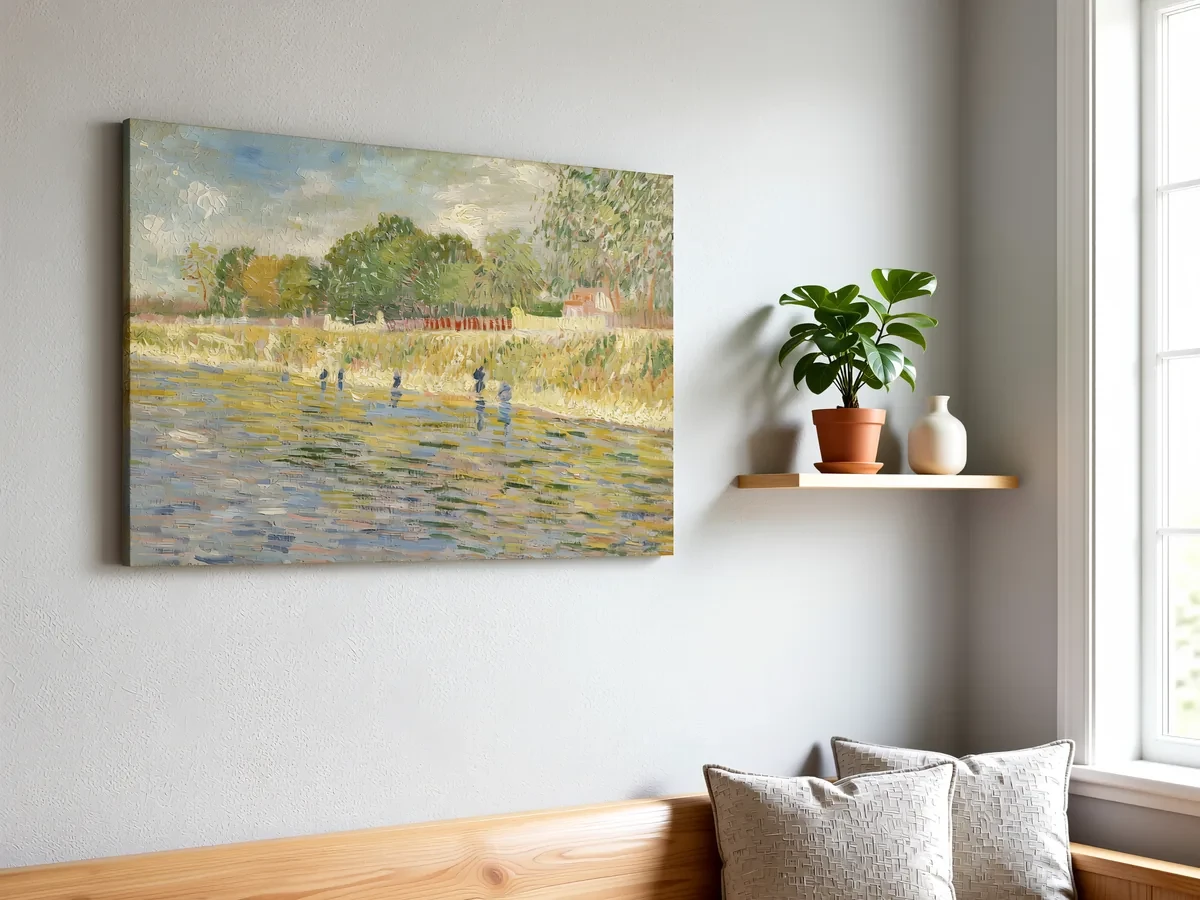 Frameit AI Create
Original artwork: Vincent van Gogh · Bank of the Seine · Van Gogh Museum
Compare two sizes without changing the room
Suppose you are choosing between a 30 × 40 cm print and a 50 × 70 cm print. Put each finished-frame outline above the same piece of furniture. Keep the position and viewing distance consistent.
From the doorway, ask whether the smaller version looks intentional. From your usual seat, check whether you can see the details you care about. The larger version may fill the wall well yet feel crowded next to a lamp or shelf.
For a pair or a gallery wall, measure the whole group, including the gaps. Two small works can occupy a useful width together even when neither looks right alone.
Choose the version that works in the actual room, then use a visual preview to compare frame color and style. Keeping those decisions separate makes it easier to see what changed.
Work out the finished size first
For an initial estimate: finished width ≈ artwork width + 2 × mat border + 2 × frame width. Use the same approach for height. The examples below ignore the overlap at the mat and frame lip, so use the measured or supplier-listed outside size for the final wall layout.
| Artwork | Mat border | Frame width | Finished size |
|---|---|---|---|
| 30 × 40 cm | 5 cm | 2 cm | 44 × 54 cm |
| 50 × 70 cm | 5 cm | 2.5 cm | 65 × 85 cm |
| 11 × 14 in | 2 in | 1 in | 17 × 20 in |
| 24 × 36 in | none | 1.5 in | 27 × 39 in |
If you sell your work, put the finished size in the listing as well as the artwork size. Buyers measure their wall, not your paper. For common frame and mat sizes, see standard picture frame sizes and how wide a mat should be.
Paper on the wall still tells you a lot
A paper rectangle cut to the finished frame size is a useful stand-in while you decide. It shows how close the piece will sit to a lamp, a doorway or the top of the sofa. Painter’s tape can mark the same outline.
Leave it up long enough to see it from the doorway and your usual seat. Moving the outline a few inches is easy; filling an unwanted hole later is less appealing. Once the position is settled, the real frame’s hanging hardware tells you where the hook needs to go.
The outline answers the size question well. Color, frame finish and the feeling of the artwork in a room are easier to explore in a picture.
Comparing measured sizes in Frameit
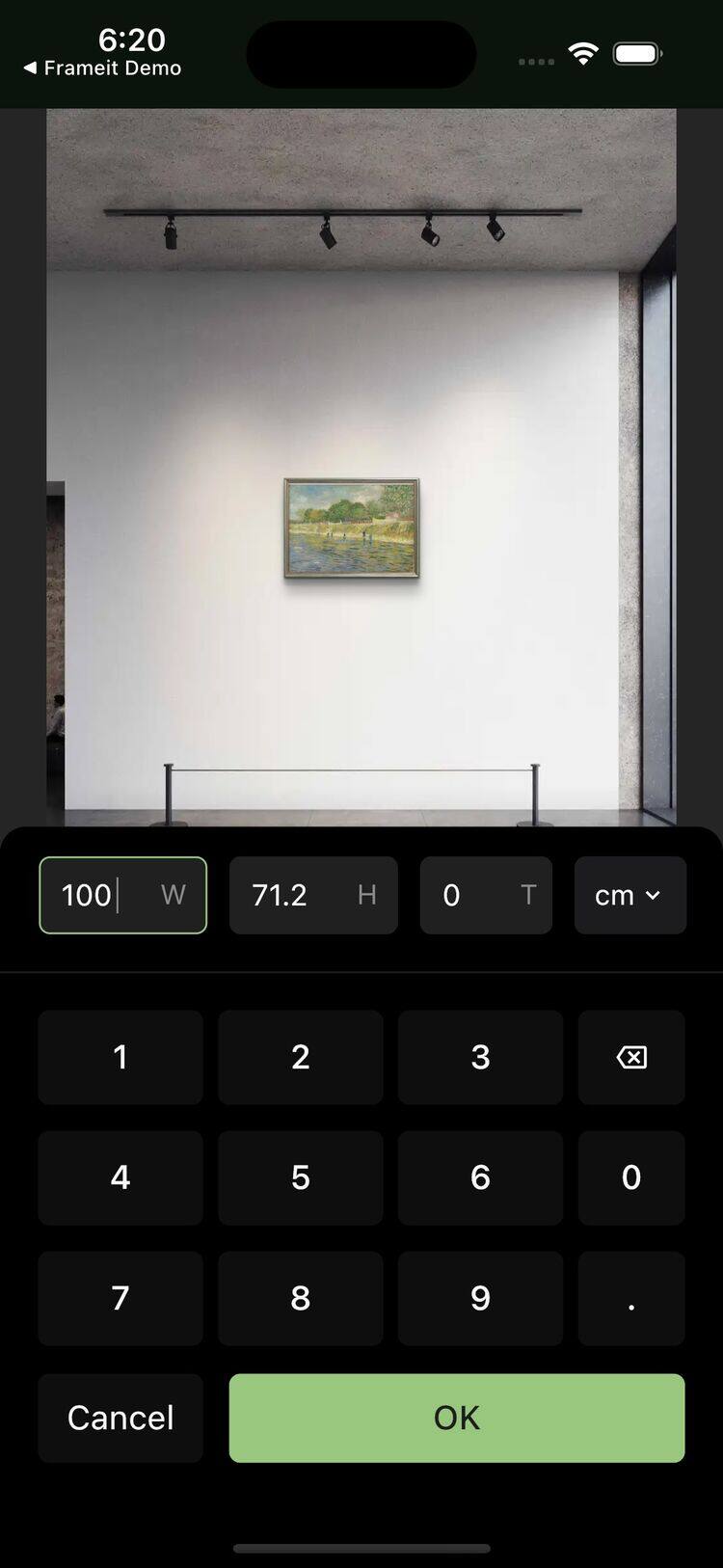
In the Frameit app, Resize lets you enter the artwork’s width and height in centimeters or inches. In an interior that supports real-size preview, the work is shown against a measured room, so the furniture gives you a consistent reference.
That makes a 30 × 40 cm version and a 50 × 70 cm version worth comparing side by side. The larger one may suit the wall better, while the smaller one may make more sense beside a reading chair. Keeping the room the same is what makes the comparison useful.
This feature depends on supported interiors and frames. An uploaded room photograph doesn’t supply the wall’s measurements, and an unsupported interior uses a default display size. The app’s indication matters here; a convincing room image alone doesn’t establish scale.
 Frameit Editor
Count the space the frame adds
The same 30 × 40 cm artwork occupies different amounts of wall in a slim frame and in a wide frame with a mat. Keep three measurements beside the comparison: artwork size, mat border and finished outside dimensions.
For frames that support real measurements, Width in Frames helps you compare moulding widths. Take the preferred preview and the original dimensions to your framer to confirm the actual moulding, window overlap and outside size. A listing marked 30 × 40 cm may describe the artwork rather than the space you need on the wall.
Choose the size before exploring the setting
Once you know the piece fits, AI Studio can help you explore a warmer wall, a lighter setting or another frame. Moving or shrinking the artwork with Size changes the composition. Keep the measurements you established earlier for ordering and hanging.
The Frameit AI Studio article shows more ways to explore those styling choices.